
Oils & lubricants
Discuss the appropriate wear, contamination, and fluid-condition testing for your lubricated equipment.
APEX KAI / FLUID ANALYSIS
From sample to laboratory findings to equipment context.
Equipment & fluid.
Review findings in the sampling context.
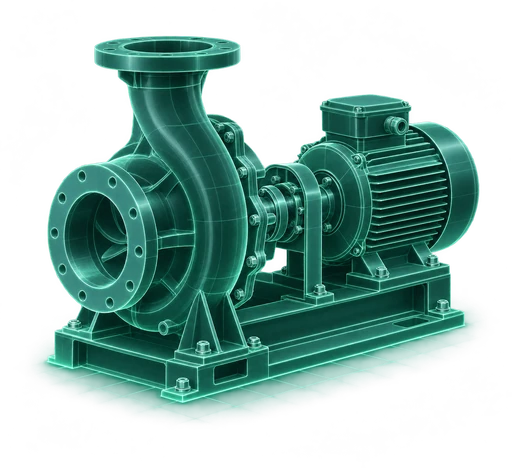
Results & history.
Testing and interpretation depend on your fluid program.
LOOK BENEATH THE SURFACE
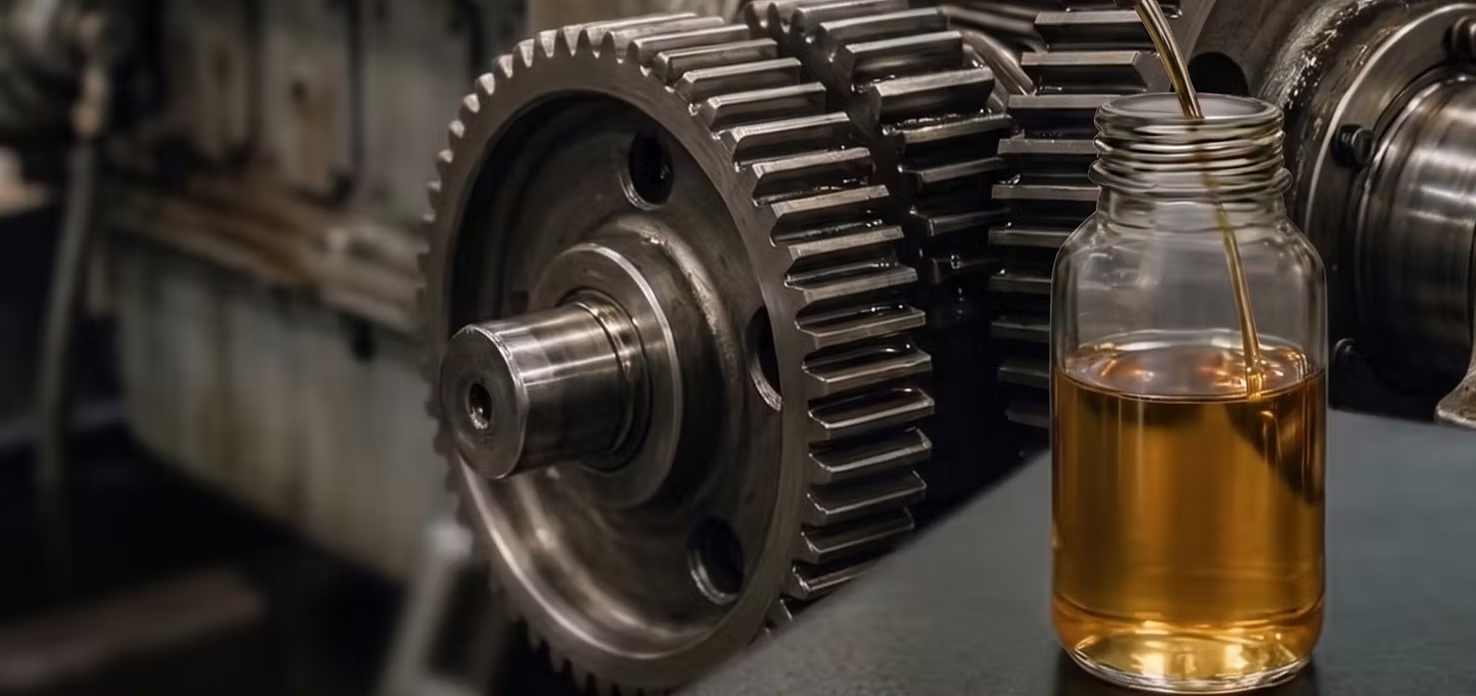
FROM SAMPLE TO NEXT STEP
Choose the appropriate sampling method and record the equipment and fluid details.
Keep sample identification and laboratory submission details together.
Open completed results, severity, and laboratory comments in the portal.
Use the findings to plan inspection, service, or follow-up sampling.
THE REPORTING VIEW
The portal brings sample status, equipment association, timeline, severity, and lab comments into a connected record.
SAMPLE-104
GEARBOX-01 · North Plant
Lab comments, sample details, and equipment context support your next maintenance decision. Available tests vary by fluid and program.
MATCH THE TEST TO THE APPLICATION
Discuss the appropriate wear, contamination, and fluid-condition testing for your lubricated equipment.
Review chemical condition and contamination questions for your cooling application.
Ask about grease, fuel, DEF, and transformer-oil requirements. Test scope and availability are confirmed for your program.
ONE EQUIPMENT STORY
Identify the equipment associated with the sample.
Consider condition measurements and prior maintenance alongside laboratory findings.
Document the next steps and connect your team with the relevant asset information.
The test package depends on the fluid, equipment, and questions being investigated. We confirm the scope with you before starting a program.
Timing depends on the laboratory, test package, shipping, and sample handling. Discuss your requirements with the APEX KAI team.
A flag identifies something to review. Interpretation should consider laboratory comments, equipment context, sampling quality, and your maintenance team’s judgment.
LET’S MAKE IT CONCRETE
Show us your equipment and maintenance priorities. We’ll walk through the APEX KAI capabilities that fit your operation.