
Requests
Keep incoming maintenance needs visible to the team.
APEX KAI / CMMS & WORK ORDERS
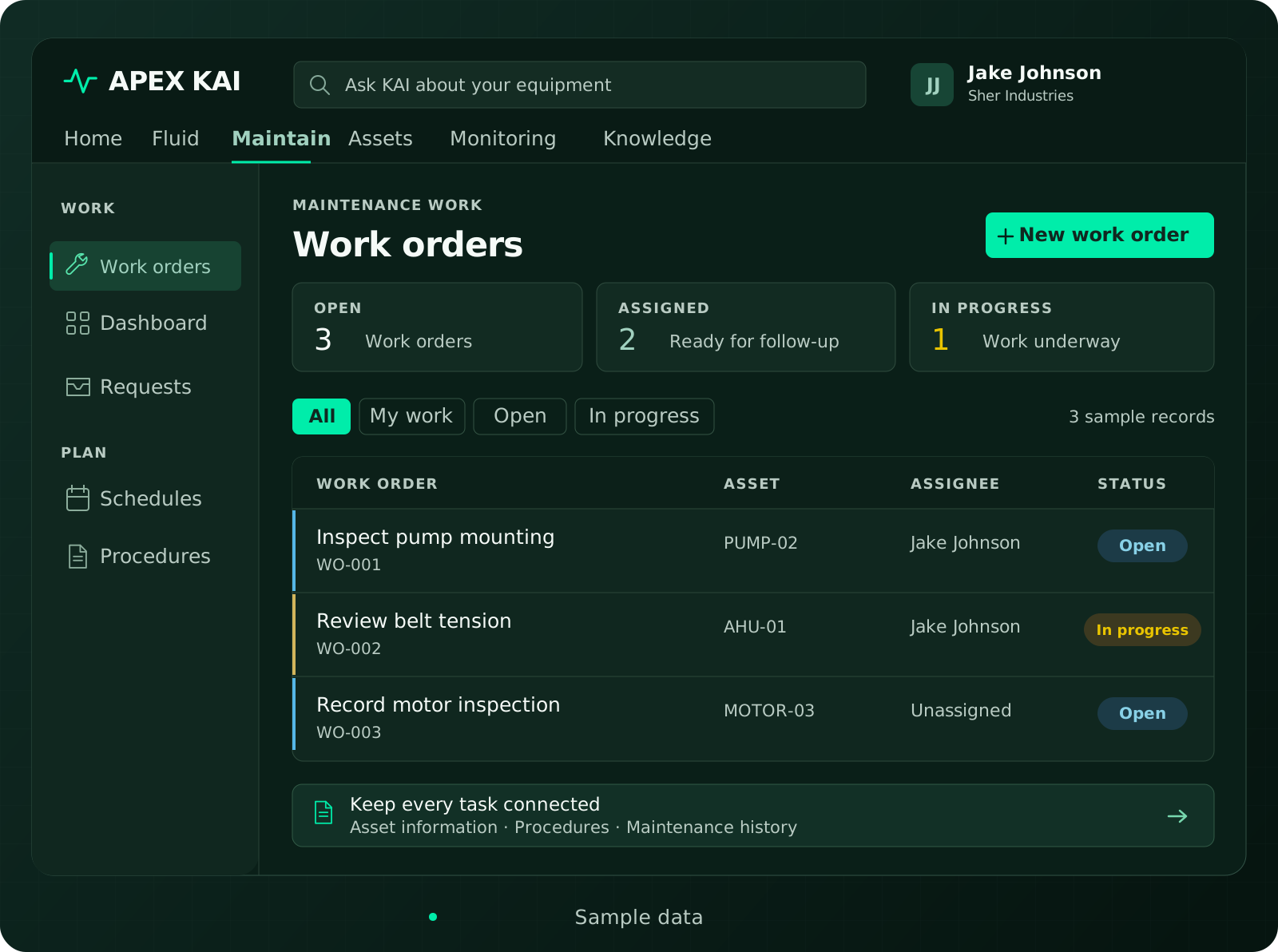
Keep requests, equipment, and the people doing the work in one maintenance workflow.
Assigned toJake Johnson
Review the equipment and linked procedure before starting the inspection.
Sample data
CREATE. ASSIGN. FOLLOW THROUGH.
Record the task and link it to the right asset.
Set a priority, owner, due date, and status.
Keep tasks, procedures, and attachments with the work.
Capture comments and completion details for future review.
TEAM COORDINATION
FROM REQUEST TO WORK
Bring requests into the maintenance conversation, connect them with the equipment, and decide the work that needs to follow.
Keep incoming maintenance needs visible to the team.
Review the equipment context before deciding what to do next.
Create and track the work your team agrees to carry out.
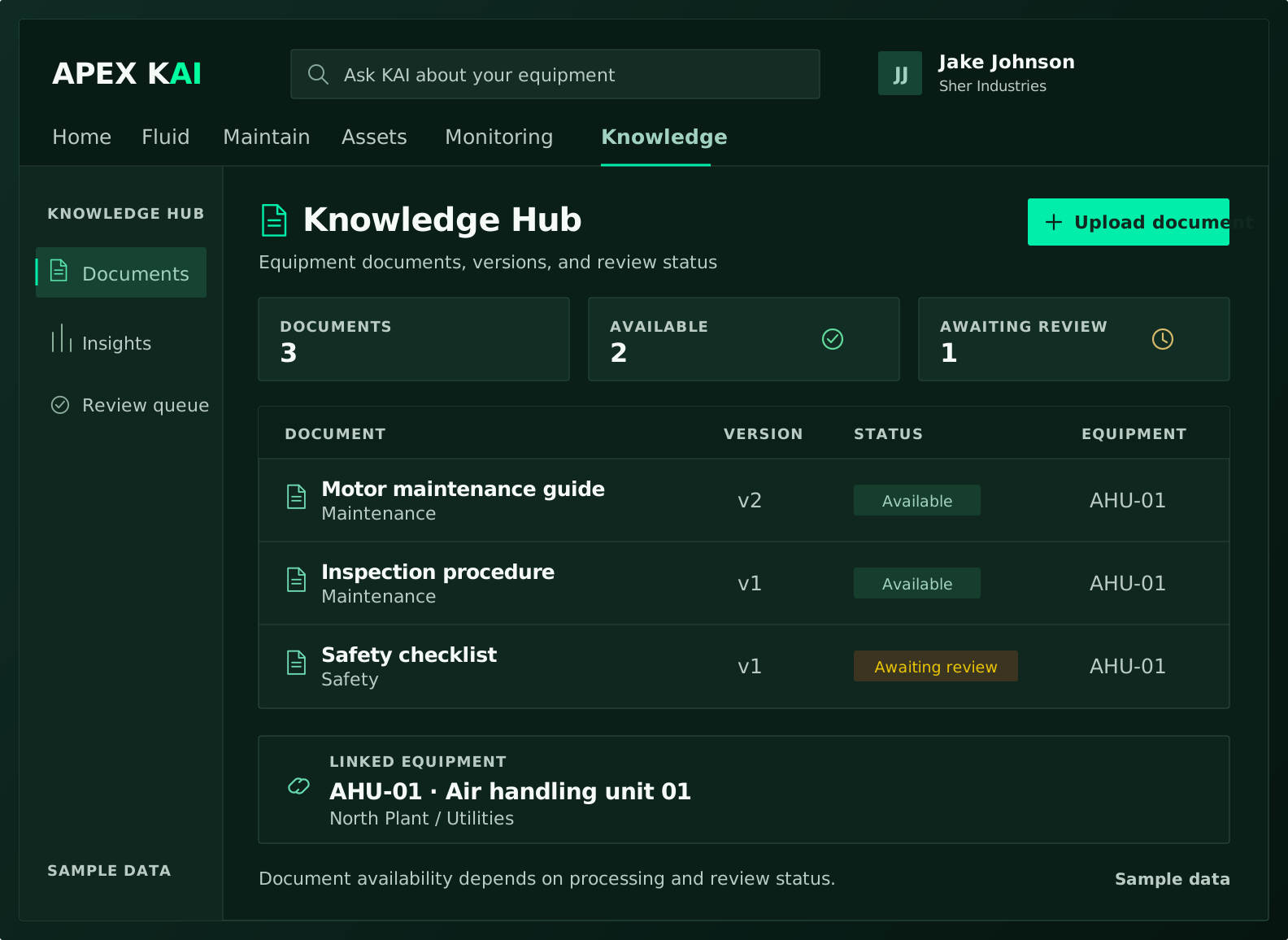
INSTRUCTIONS WITH THE JOB
A RECORD THAT LASTS
Keep maintenance work associated with the equipment it belongs to.
Explore Asset historyPreserve status changes and the recorded outcome of work.
Bring past findings and relevant documents into the next maintenance decision.
SIGNAL TO ACTION
When monitoring is part of your solution, connect an alert, its incident, the asset, and the follow-up work order.
Look at severity and the available equipment evidence.
Carry the relevant asset and source context into a work order.
Assign the job, record progress, and review the outcome.
START WITH YOUR WORKFLOW
You can discuss a CMMS and work-orders solution without adding condition monitoring. We scope the workflow around your maintenance operation.
Tell us what you use and which data needs to move. Integration availability and scope must be confirmed for your deployment.
LET’S MAKE IT CONCRETE
Show us your equipment and maintenance priorities. We’ll walk through the APEX KAI capabilities that fit your operation.