
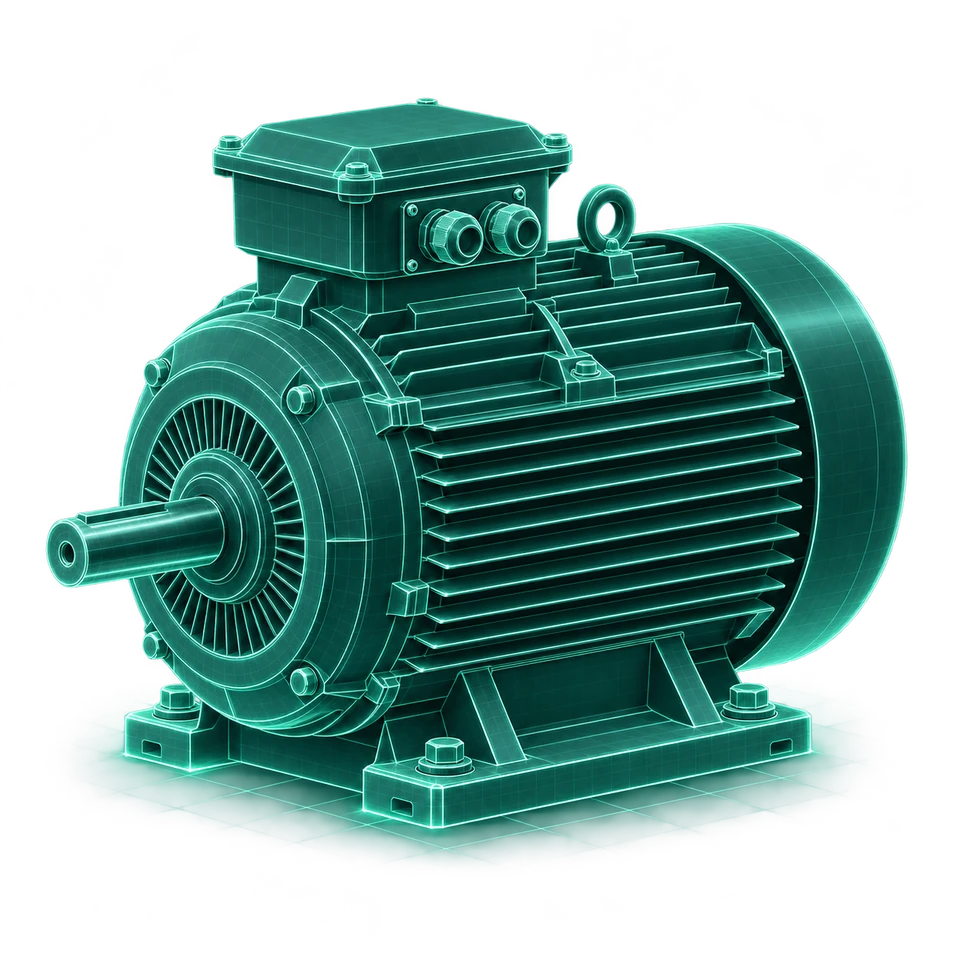
Real-Time Sensor
Continuous vibration-based condition monitoring, equipment temperature measurements where supported, trends and intelligent alerts for long-term equipment visibility.
APEX KAI / CONDITION MONITORING
See vibration, temperature, and maintenance evidence in equipment context.
TWO SENSORS. ONE CLEARER PICTURE.
Build coverage around the equipment and decisions that matter. Use continuous trends to see change, then detailed vibration measurements to support investigation.
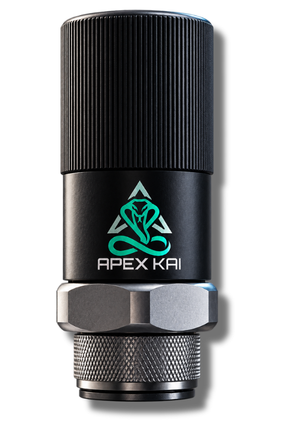
Continuous vibration-based condition monitoring, equipment temperature measurements where supported, trends and intelligent alerts for long-term equipment visibility.
Detailed vibration measurements for closer investigation, captured signals and frequency information to support condition assessment, and additional evidence for a reliability specialist’s review.
INTELLIGENT ALERTS
See what changed, where it happened, and what evidence is available. KAI brings the condition, relevant history, and maintenance context together for review.
Keep the machine, monitoring point, and operating location together.
North Plant · Pump drive end
Sample dataReview severity and the affected monitoring point in the equipment context.
Follow readings, captures, and condition history. A possible cause is a starting point for investigation.
Prepare a work order and give inspection or maintenance tasks a clear owner.
TEMPERATURE INTELLIGENCE
A warmer machine and a warmer room tell different stories. Compare equipment temperature with available ambient readings to understand the conditions around a change.
VIBRATION DIAGNOSTICS
Review time trends, spectra, envelopes, and waveforms where supported by the sensor and capture. Keep the evidence tied to the machine and monitoring point.
FROM ALERT TO ACTION
A monitored condition draws attention to an equipment point.
Bring trends, diagnostics, temperature, and asset history into the discussion.
Prepare tasks, link the source evidence, and assign the work order.
Capture findings and completion history against the asset for future review.
Add laboratory findings on wear, contamination, and fluid condition.
Explore Fluid AnalysisKeep the machine, its components, and its maintenance record together.
Explore Asset ManagementTurn a reviewed finding into assigned, traceable maintenance work.
Explore Work OrdersLET’S MAKE IT CONCRETE
Walk through the sensor, alert, and maintenance workflow using equipment priorities from your operation.